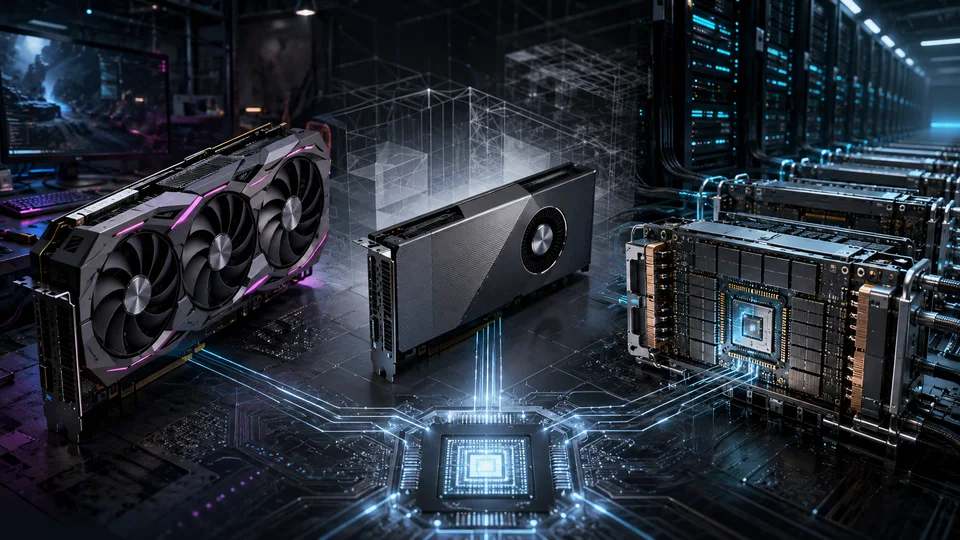
A GPU marketed for gaming can be useful for AI, and a data center accelerator can be an expensive way to run a small model. The product category tells us something about the intended operating environment. It does not, by itself, tell us which card will deliver the best result for a particular workload.
The term GPGPU means general-purpose computing on graphics processing units. It describes using a GPU for computation beyond graphics; it is not a separate product family. For infrastructure planning, it is more useful to distinguish consumer cards, professional workstation cards and data center accelerators.
Consumer GPUs
Consumer GPUs are designed primarily for gaming and personal computers. They can also serve development, research, inference and fine-tuning workloads that fit within their memory and software constraints. NVIDIA’s GeForce RTX range is a familiar example. AMD cards may also be suitable, but the exact GPU, operating system and required libraries must be checked against the supported software stack.
Cards such as the RTX 3090, RTX 4090 and RTX 5090 deserve consideration when the workload fits on one card or can be divided into independent jobs. In the right configuration, their performance per unit of cost can be attractive compared with older data center hardware. That comparison changes when a job requires more memory, extensive communication between GPUs or operational features that the consumer card does not provide. The method matters more than a standing recommendation for a particular model; see choosing a GPU for the workload.
A gaming card also brings mechanical and thermal requirements that are easy to overlook. Large coolers, power connectors and open-air fans can make dense server installation impractical. A chassis with enough PCIe slots is not necessarily a compatible chassis. The PCIe server selection guide explains why compatibility must be checked against the exact card and server bill of materials.
Professional workstation GPUs
NVIDIA’s professional graphics products have moved through names including Quadro, RTX A, RTX Ada and RTX PRO. AMD’s corresponding workstation families have included FirePro and Radeon PRO. These cards target applications such as visualization, engineering and content creation, with professional drivers and configurations suited to those environments.
They can also be useful for AI. The RTX A6000 and RTX 6000 Ada, for example, provide 48 GB of memory, which opens up workloads that do not fit on a smaller consumer card. A professional card may offer a more convenient form factor or a supported workstation configuration as well.
The relevant question is whether those capabilities justify the price for the intended service. Professional branding is not a guarantee of better training or inference performance per cost. Compare the exact SKU, usable memory, supported numerical formats, cooling arrangement and software path. Workstation and server editions within the same product family may differ substantially.
Data center accelerators
Data center accelerators are designed for sustained compute workloads and integration into server platforms. Depending on the product, their advantages can include high-bandwidth memory, larger memory capacity, reliability and management features, and faster communication between accelerators. Those capabilities matter for large model training, memory-intensive inference and some high-performance computing workloads.
This category includes several generations of NVIDIA accelerators, from A100 through H100 and H200 to Blackwell, as well as AMD’s Instinct family. Product specifications, supported software and server qualification must still be checked at the SKU level. A newer architecture is not automatically a better fit for an existing model or runtime.
The deployment format is another decision. Some accelerators are PCIe add-in cards; others form part of an integrated multi-GPU platform. The PCIe and SXM comparison explains how that choice affects expansion, power, cooling and communication between GPUs.
Start with the work the machine will do
For development and independent inference jobs, a consumer or workstation card may be a sensible starting point. For a model that needs more memory or spends a substantial share of execution time exchanging data between GPUs, a data center platform may justify its higher cost. In either case, the host server still needs enough CPU capacity, RAM, storage and network bandwidth to keep the accelerators busy; those requirements are covered in the server platform guide.
Buy the capabilities the workload can use. Paying for additional memory can make an otherwise impossible deployment viable. Paying for an interconnect that the software never uses adds cost without increasing useful capacity.